Skip to content
Xtream Setup Guide 2026 explains how Xtream login works in the IPTV world and what users should know before starting.
Xtream login is one of the most commonly used connection methods in IPTV services today, allowing access to live TV channels and on-demand content through compatible apps.
In 2026, IPTV continues to grow as users look for flexible and device-friendly streaming solutions, which makes understanding Xtream IPTV setup more important than ever.
Some platforms, such as WCIPTV, offer trial options that allow users to test performance and compatibility before committing.
TRIAL WCIPTV 36 H FOR FREE
This guide is created for users who want to start with IPTV using Xtream but prefer to understand the basics first. Instead of jumping straight into technical steps, we focus on what users should know before starting, common IPTV mistakes, and how to make smarter setup decisions from day one.
What Is Xtream Login and How Does It Work in IPTV?
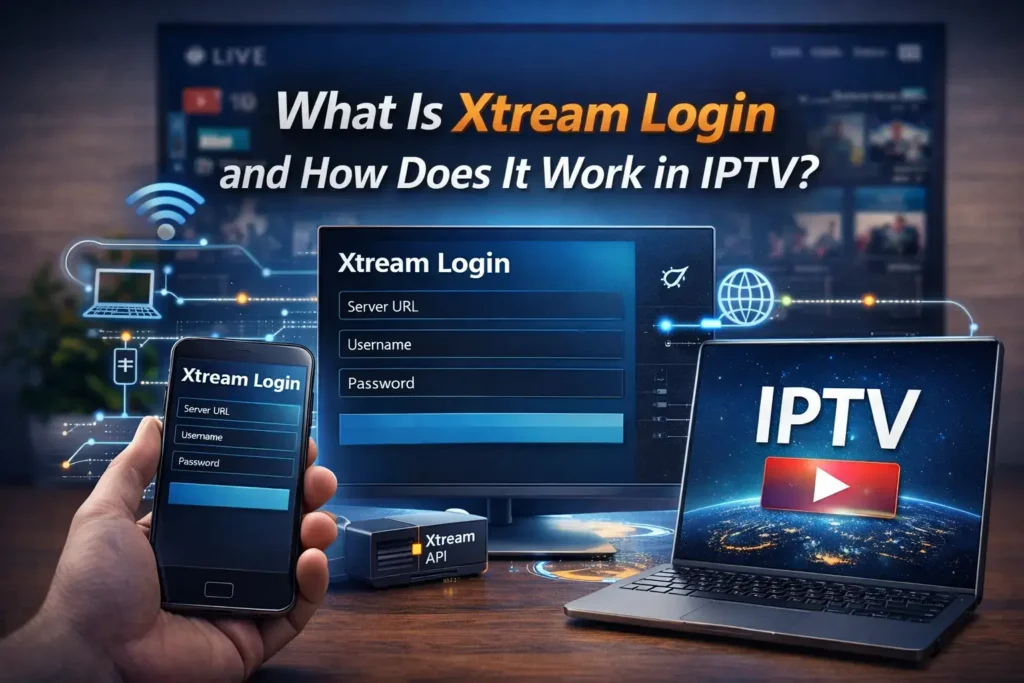
Xtream login is not an application. It is a connection method used by IPTV services to link a streaming app to an IPTV server.
To connect, users enter three details:
- Username
- Password
- Server URL
Once entered correctly, the IPTV app automatically loads live TV channels, categories, and video-on-demand content without requiring manual updates.
In IPTV setups, Xtream acts as the bridge between the IPTV server and the player installed on your device.
You can also try a short IPTV trial first to see how Xtream performs on your setup.
👉 TRIAL IPTV 36 H FOR FREE
Xtream Login vs IPTV Apps
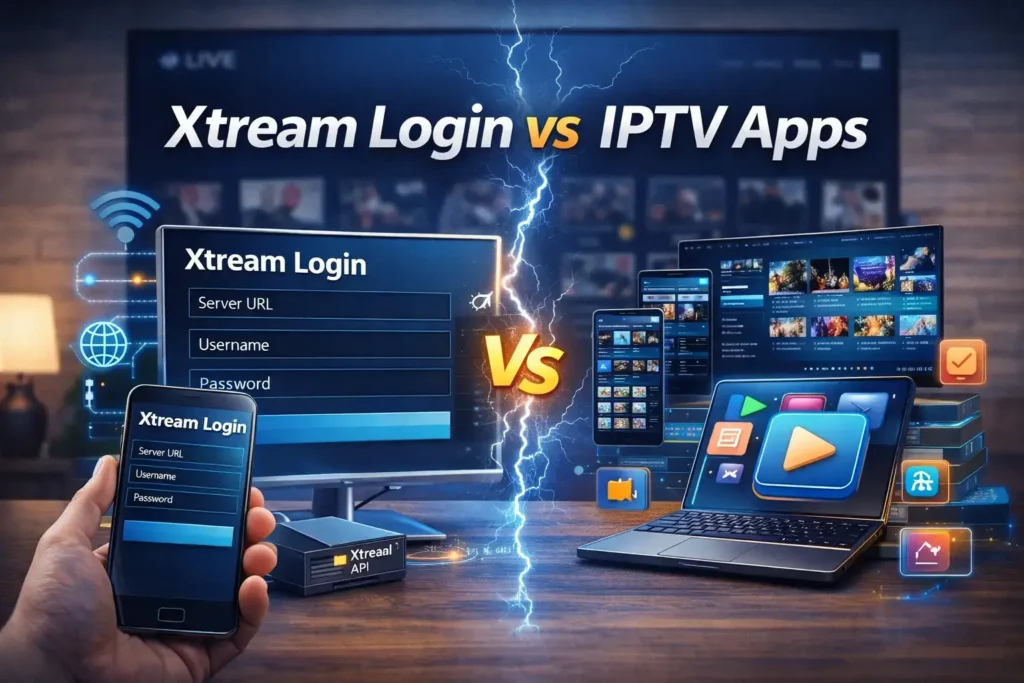
A common mistake among beginners is confusing Xtream with the IPTV app itself. Apps such as IPTV players are only tools. Xtream login is what connects those tools to the IPTV service.
This is why changing the app does not change the IPTV service quality. Most IPTV issues come from server quality, login details, or device limitations—not from the app.
If you want a simpler explanation, you can read our beginner-friendly Xtream IPTV overview, which explains the basics step by step.
👉 Xtream IPTV Setup 2026: the Best Beginner-Friendly Overview
Why IPTV Services Still Use Xtream in 2026
Xtream remains popular in the IPTV industry because it simplifies the user experience. IPTV services using Xtream can update channels and VOD libraries automatically without user intervention.
Another reason is compatibility. Xtream IPTV login works on Android TV, Firestick, IPTV boxes, smartphones, and tablets. This makes IPTV accessible to beginners who want a fast and simple setup.
For many users, Xtream makes IPTV easier to manage compared to older playlist-based methods.
Xtream Setup Guide 2026: What IPTV Users Should Know Before Starting
Before starting any IPTV setup using Xtream, users should prepare a few essentials.
First, internet stability matters more than raw speed. IPTV streams perform better on stable connections, even if the speed is average.
Second, device compatibility is important. Android-based devices usually offer the best IPTV experience with Xtream-compatible apps.
Third, always use updated and trusted IPTV apps. Outdated players often cause buffering, login errors, or missing channels.
General device preparation and streaming performance tips are explained well by trusted tech resources.
👉 trusted tech resources
Choosing a Reliable IPTV Xtream Server (Most Important Step)
In IPTV setups, the server quality determines everything. Even the best device and internet connection cannot fix an unstable IPTV server.
A reliable IPTV Xtream server usually offers:
- Stable uptime
- Organized channel lists
- Fast loading live TV
- Clear rules for device usage
- Responsive customer support
This is why experienced IPTV users focus more on server reliability than on apps or device upgrades.
Choosing a reliable IPTV Xtream server with proper support significantly improves the overall IPTV experience.
👉 WCIPTV – the best iptv in the world
What’s New About Xtream IPTV in 2026
In 2026, Xtream IPTV setups benefit from smarter apps and better synchronization. Channels and VOD libraries load faster, and category updates happen automatically.
Multi-device management has also improved. Many IPTV services now clearly define how many devices can be used at the same time, reducing unexpected interruptions.
Overall, IPTV users enjoy a smoother and more stable Xtream experience compared to previous years.
Common Xtream IPTV Setup Mistakes to Avoid
Most IPTV problems come from small but common mistakes.
These include copying login details with extra spaces, entering the wrong server URL format, or using outdated IPTV apps. Another frequent issue is logging in on more devices than allowed by the IPTV service.
Double-checking login details and understanding device limits helps avoid most IPTV setup frustrations.
This Xtream Setup Guide 2026 is designed to help IPTV users avoid common setup errors and understand how Xtream works before starting.
Security and Privacy Basics : Xtream Setup Guide 2026
Basic security habits are essential when using IPTV services. Users should avoid sharing Xtream login details and should only use trusted IPTV applications.
Some IPTV users choose to use a VPN for privacy reasons, but this is optional and depends on personal preference.
General privacy awareness guides explain how online streaming privacy works in simple terms.
👉 privacy awareness guides
Testing an IPTV Service Before Committing
Testing is always recommended when choosing an IPTV service. A short IPTV trial allows users to check live channel quality, VOD organization, and overall stability on their device.
Whenever possible, it’s smart to test the IPTV service before committing to a long-term plan.
👉 test the IPTV service before committing
What IPTV Users Should Realistically Expect
No IPTV service is perfect. Occasional maintenance, channel updates, or short interruptions can happen.
Understanding this helps users set realistic expectations and enjoy a smoother IPTV experience over time. IPTV performance always depends on server quality, device type, internet stability, and location.
Helpful IPTV Resource and Related Guide
To explore more comparisons and insights, you can read our guide on best IPTV services in 2026.
👉 ARTICLE : Best IPTV 2026
Final Thoughts: Is Xtream IPTV Right for You in 2026?
Xtream remains one of the easiest ways to start with IPTV in 2026. When users understand the basics, choose a reliable IPTV server, and avoid common setup mistakes, the experience is usually smooth and stable.
Starting with the right information saves time, reduces errors, and helps IPTV users make better decisions from the beginning.
FAQ SECTION
Q: What is Xtream IPTV login?
A: Xtream IPTV login is a method used by IPTV services to connect streaming apps to servers using a username, password, and URL.
Q: Is Xtream IPTV better than M3U for beginners?
A: Many beginners prefer Xtream IPTV because it updates automatically and is easier to manage.
Q: Can Xtream IPTV be used on multiple devices?
A: This depends on the IPTV service rules. Some allow multiple devices, others limit simultaneous use.
Q: Do I need a VPN for IPTV Xtream?
A: A VPN is optional and depends on personal privacy preferences.
By following this Xtream Setup Guide 2026, IPTV users can start with a clearer understanding and a more stable setup experience.