Skip to content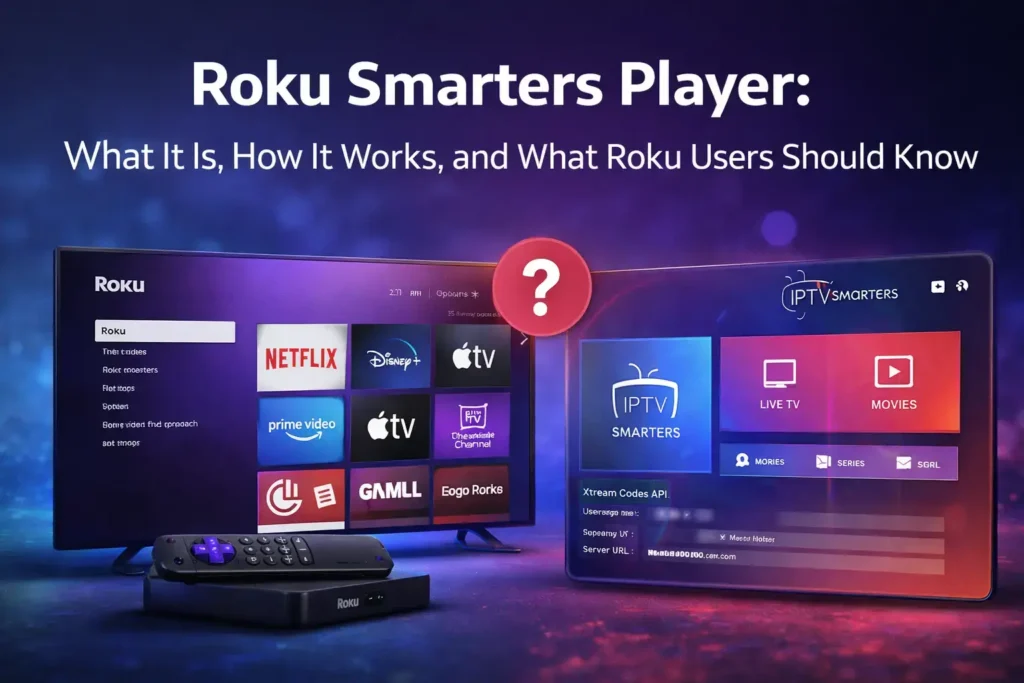
Roku Smarters Player is often searched by users who choose Roku for easy access to Netflix, YouTube, and Prime Video. Unfortunately, many of these users soon discover confusion around how Roku Smarters Player really works on Roku devices.
Using Roku and want to try an IPTV trial? Contact us to get a free test and we’ll help you set things up the right way.
👉 WCIPTV – 36 Hours Free Trial
This article focuses on the real problems Roku users face when trying to use Smarters Player or IPTV-style apps, why this issue exists, and what realistic options are available in 2026.
What Roku Users Expect vs Reality
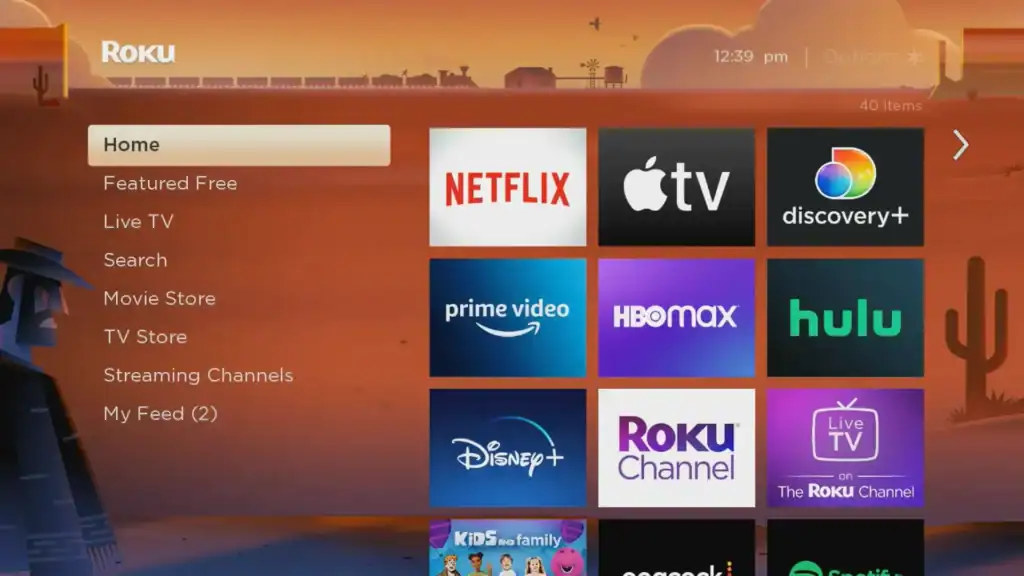
Many users buy a Roku device assuming it works like Android TV or Firestick. On those platforms, IPTV players such as Smarters Player are commonly available and easy to install.
Roku users who want to explore IPTV on supported devices can benefit from services such as WCIPTV, which allow users to test stability and compatibility first rather than relying on assumptions.
On Roku, the experience is very different.
Users typically expect:
- To find Smarters Player in the app store
- To log in using IPTV credentials
- To stream live TV and sports easily
What actually happens:
- The app is missing
- Similar-looking apps don’t work as expected
- Setup attempts fail or lead nowhere
This gap between expectation and reality is the core reason behind the roku smarters player problem.
Does Roku Support Smarters Player?
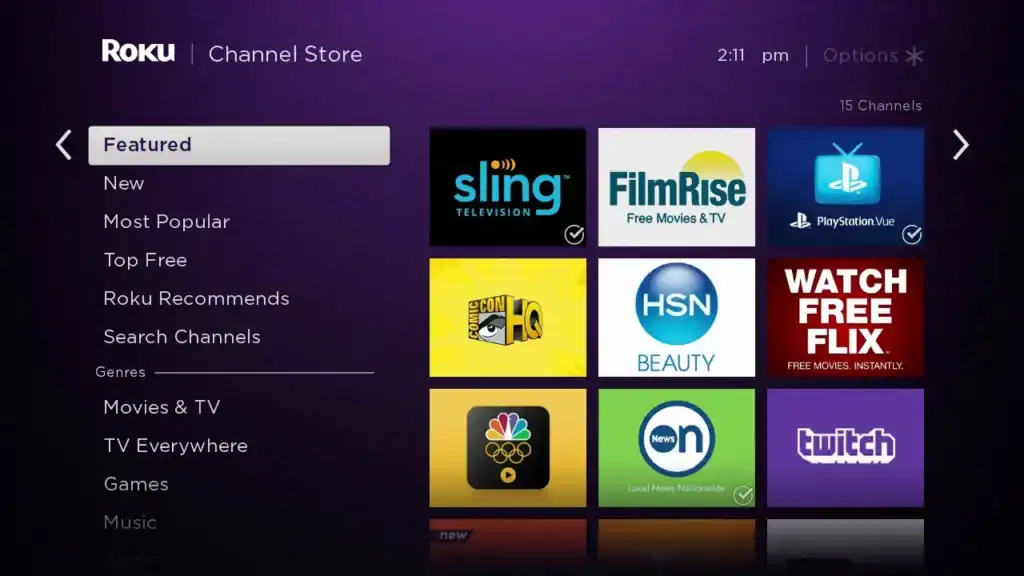
The short and clear answer is no.
There is no official Smarters Player app available in the Roku Channel Store. This is not a temporary issue or a bug — it is a platform limitation.
Roku follows strict content and application policies. Apps that rely on external IPTV logins or playlist-based access are not officially supported.
Because of this:
- IPTV Smarters-style apps are blocked
- Login-based IPTV players are not approved
- Users searching for “roku smarters player” are often misled by outdated information
Why This Problem Keeps Appearing in Searches
Despite Roku’s limitations, the keyword roku smarters player continues to grow. This happens for several reasons:
- Smarters Player is extremely popular on Android devices
- Many YouTube tutorials are outdated
- Some websites use misleading app names
- Users assume all streaming devices work the same
This creates a cycle where new Roku users repeat the same search and face the same disappointment.
Common Issues Roku Users Report
Based on real user experiences, these are the most common problems:
- Smarters Player not appearing in the Roku store
- IPTV apps installing but failing to load content
- Blank screens after setup
- No playlist or login option available
- Time wasted trying different workarounds
These are not user mistakes — they are structural limitations of the Roku ecosystem.
Can IPTV Be Used on Roku at All?
There are limited workarounds, but none provide a smooth experience.
Some users try:
- Screen mirroring from Android phones
- Casting from a PC
- Using third-party channels
While these methods may work temporarily, they often suffer from:
- Lag and buffering
- Lower image quality
- Unstable connections
- Poor user experience
For users who care about live sports and real-time content, these solutions are rarely satisfying.
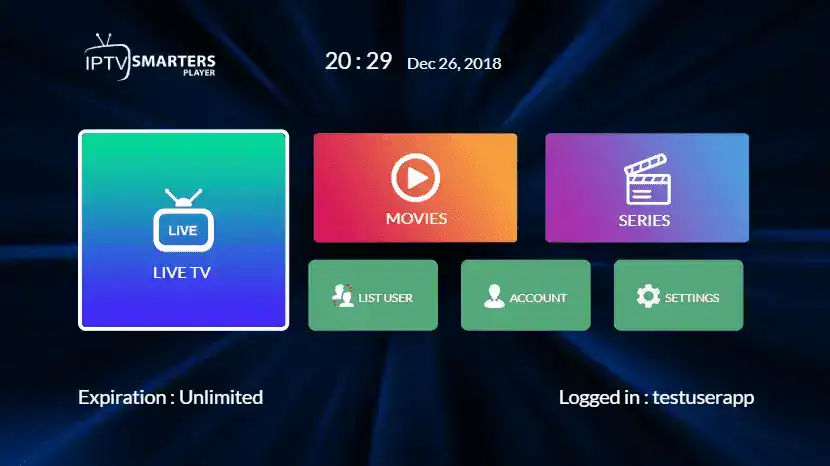
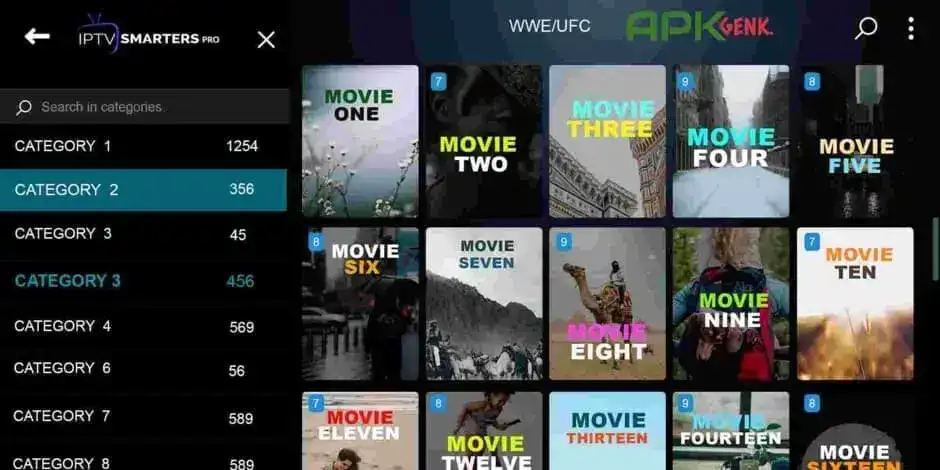
Better Devices for Smarters Player Users
If your goal is to use Smarters Player or similar IPTV apps, choosing the right device matters more than the service itself.
Devices that work well:
- Amazon Fire TV Stick
- Android TV
- Android TV boxes
These platforms support:
- Official IPTV players
- Stable app updates
- Proper login systems
- Better long-term reliability
Roku, while excellent for mainstream streaming, is simply not designed for IPTV-style usage.
Why Stability Matters More Than App Availability
Many users focus only on finding an app, but stability is the real deciding factor.
Even with the right device, IPTV performance depends on:
- Server quality
- Internet stability
- App compatibility
This is why experienced users prefer testing services before committing long-term.
Some platforms, such as WCIPTV, offer trial access that allows users to test real performance and device compatibility before making a decision.
👉 WCIPTV Free Trial – 36 Hours
Testing first avoids disappointment and helps users understand what works in their specific setup.
Roku Users Switching Devices: What to Know
Users moving from Roku to Android-based devices often notice immediate improvements:
- Faster channel loading
- More player options
- Better sports performance
- Easier troubleshooting
If you are considering switching, understanding IPTV setup basics is essential before choosing any service.
External Resources for Better Understanding
For users who want neutral explanations about Roku and streaming limitations, these resources can help:
- Official Roku app policy overview
👉 https://support.roku.com - General overview of how streaming platforms differ
👉 https://www.howtogeek.com
Frequently Asked Questions (FAQ)
What is Roku Smarters Player?
Roku Smarters Player is a search term used by users trying to find Smarters Player or similar IPTV apps for Roku. It is not an official Roku application.
Why doesn’t Smarters Player work on Roku?
Roku does not support IPTV apps that rely on external login systems or playlist-based access.
Is Roku a bad streaming device?
No. Roku is excellent for official streaming platforms but limited for IPTV usage.
Can I watch IPTV on Roku?
Only through limited workarounds like screen mirroring, which often provide poor performance.
What is a better alternative to Roku for IPTV?
Firestick and Android TV devices offer better compatibility with IPTV players.
Should I test an IPTV service before paying?
Yes. Trial access helps users evaluate stability, quality, and compatibility before committing.
Final Thoughts for Roku Users in 2026
The continued search for roku smarters player highlights a widespread misunderstanding rather than a technical failure.
Roku is not broken, and Smarters Player is not missing by accident — the two platforms simply follow different rules.
For users focused on live TV, sports, and flexible streaming, understanding these limitations early can save time, money, and frustration. Testing services on compatible devices remains the smartest approach.