 Skip to content
Understanding IPTV Services: Everything You Need to Know
In today’s digital age, traditional cable TV subscriptions continue to rise in price while often delivering less value. Many households find themselves paying for hundreds of channels they never watch, bound by restrictive contracts, and frustrated by limited viewing options. The search for more flexible, affordable entertainment solutions has become increasingly common.
IPTV services have emerged as a popular alternative to conventional television delivery methods. These Internet Protocol Television systems transmit television content through internet connections rather than via satellite or cable, offering greater flexibility and potentially significant cost savings. If you’re curious about how IPTV might transform your viewing experience, exploring the technology before making a commitment is a wise approach. Try a free IPTV trial to experience the benefits firsthand before deciding.
What Is IPTV Services and How Do They Work?
IPTV services (Internet Protocol Television services) represent a method of delivering television content over Internet Protocol (IP) networks. Unlike traditional broadcast television that sends all channels simultaneously with viewers tuning into their desired channel, IPTV transmits only the requested content when a viewer selects it.
The technology functions by converting standard television signals into small packets of data. These packets travel across the internet infrastructure to reach the viewer’s receiving device, where they’re reassembled into viewable content. This system allows for greater flexibility in content delivery and viewing options.
IPTV services typically operate through three primary delivery models:
1. Video on Demand (VOD): Allows users to select and watch video content whenever they choose, rather than at a scheduled broadcast time. 2. Time-Shifted Media: Enables viewing of past broadcasts through catch-up TV or recording functionality. 3. Live Television: Streams current broadcasts in real-time, similar to traditional television.
Why Users Search for IPTV Services
The growing interest in IPTV services stems from several key factors that reflect changing consumer preferences and technological developments:
Cost-Effectiveness
Traditional cable packages have become increasingly expensive, with many subscribers paying for numerous channels they never watch. IPTV services typically offer more targeted content options at lower price points, allowing viewers to pay for what they actually consume.Content Flexibility
Modern viewers want entertainment on their terms. IPTV provides on-demand content accessibility, allowing users to watch what they want, when they want, breaking free from rigid broadcasting schedules.Device Compatibility
Today’s consumers expect to access content across multiple devices. IPTV services enable viewing on smart TVs, computers, tablets, smartphones, and dedicated streaming devices like the Trusted industry source, providing a seamless viewing experience regardless of location or device preference.International Content Access
Many subscribers seek IPTV services to access international programming that may not be available through local cable providers, allowing them to stay connected with content from their home countries or explore global entertainment options.How IPTV Services Work: Technical Foundation
Understanding the technical aspects of IPTV services helps appreciate the advantages this technology offers over traditional broadcasting methods.
Technical Infrastructure
IPTV services rely on a complex infrastructure that includes:
1. Content Acquisition: Gathering programming from various sources 2. Storage Systems: Maintaining content libraries for on-demand access 3. Content Delivery Networks (CDNs): Ensuring efficient data transmission 4. User Management Systems: Handling subscriptions and authentication 5. Client Applications: Software interfaces for viewer interaction
IPTV vs. Traditional TV Comparison
| Feature | IPTV Services | Traditional Cable/Satellite | |———|—————|—————————| | Delivery Method | Internet Protocol | Radio Frequency Signals | | Content Selection | On-demand and scheduled | Primarily scheduled | | Device Flexibility | Multiple devices | Mainly television sets | | Interactivity | High (user-controlled) | Limited | | Subscription Model | Often more flexible | Usually long-term contracts | | Picture Quality | Depends on internet speed | Consistent (weather-dependent for satellite) | | Additional Features | Time-shifting, catch-up | Limited DVR functionality |
This comparison highlights why many viewers are transitioning from conventional television services to IPTV alternatives that better align with modern viewing habits and preferences.
Setup & Preparation for IPTV Services
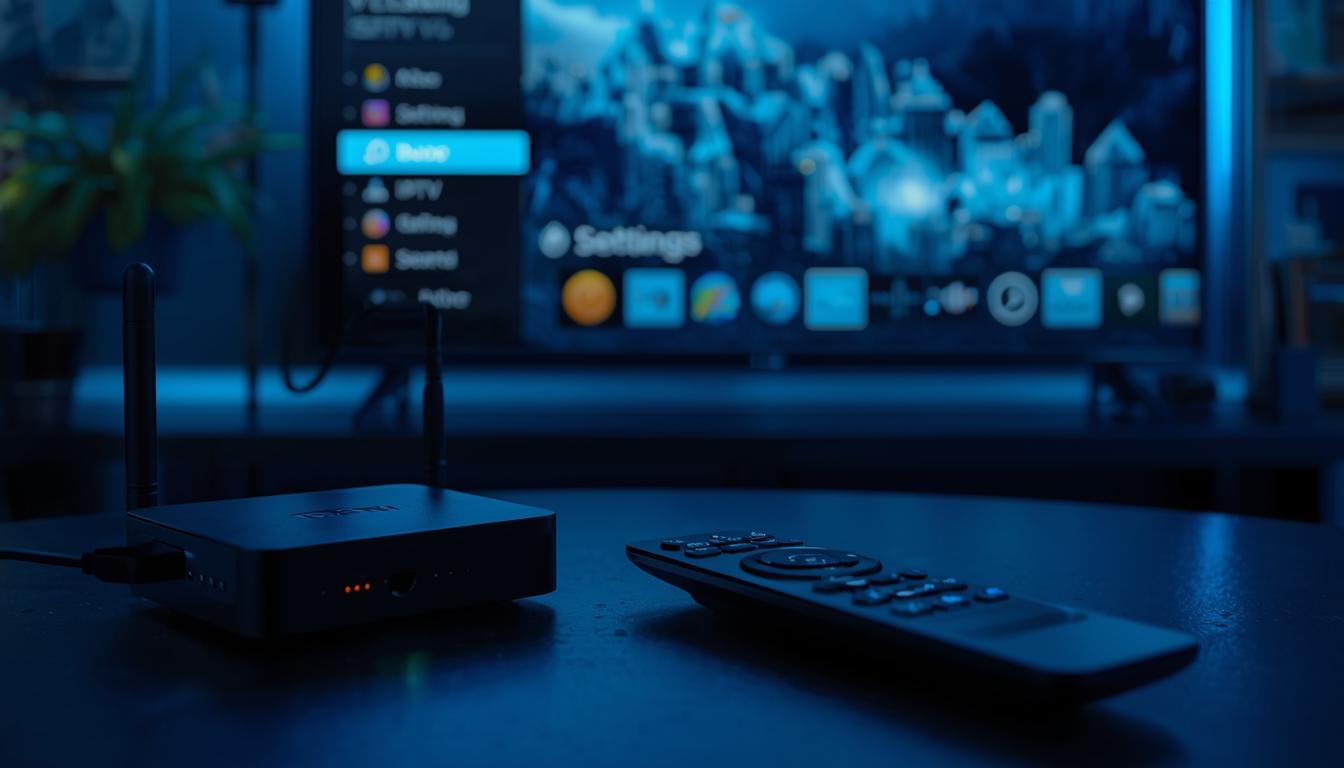
Before diving into IPTV services, proper preparation ensures a smooth, enjoyable viewing experience. Setting up IPTV typically requires minimal time—usually between 15-30 minutes depending on your technical comfort level and chosen device.
Internet Requirements
A reliable internet connection forms the foundation of quality IPTV service:
– Minimum Speed: At least 10 Mbps for standard definition content – Recommended Speed: 25+ Mbps for HD content and multiple simultaneous streams – Connection Stability: Wired connections provide more reliable performance than wireless – Data Caps: Check if your internet plan has data limitations, as streaming consumes significant bandwidth
Essential Equipment
The beauty of IPTV services lies in their minimal hardware requirements:
1. Internet Connection: Broadband service with sufficient speed 2. Compatible Device: Smart TV, streaming stick, set-top box, computer, tablet, or smartphone 3. IPTV Application: Either a dedicated app or compatible media player 4. IPTV Subscription: Access credentials from your selected provider
Network Optimization
To maximize your IPTV experience: – Consider using a wired Ethernet connection for your primary viewing device – Position wireless devices close to your router or use mesh Wi-Fi systems for better coverage – Prioritize your streaming device in your router’s QoS (Quality of Service) settings if available – Close bandwidth-intensive applications when watching content
WCIPTV Context
When exploring IPTV services, finding a reliable provider that prioritizes stability and performance becomes crucial for long-term satisfaction. WCIPTV offers a flexible solution designed to meet diverse viewing needs across an extensive range of compatible devices.
The stability of any IPTV service directly impacts user experience, with buffering and downtime being common frustrations. WCIPTV emphasizes consistent performance through redundant server architecture and smart load balancing, reducing common interruptions that plague lesser services.
Device compatibility often represents another pain point, with some IPTV services supporting limited hardware options. WCIPTV provides comprehensive support across popular platforms including:
– Amazon Fire devices – Android TV boxes – Apple TV – Smartphones and tablets – Smart TVs – Windows and Mac computers
Before committing to any IPTV service, testing the performance on your specific devices and network environment provides valuable insight into what your daily viewing experience will entail. This approach helps ensure that your chosen service meets your particular needs and expectations.
For more detailed information about available plans and supported features, you can WCIPTV to explore current offerings.
Step-by-Step Instructions for Getting Started with IPTV Services
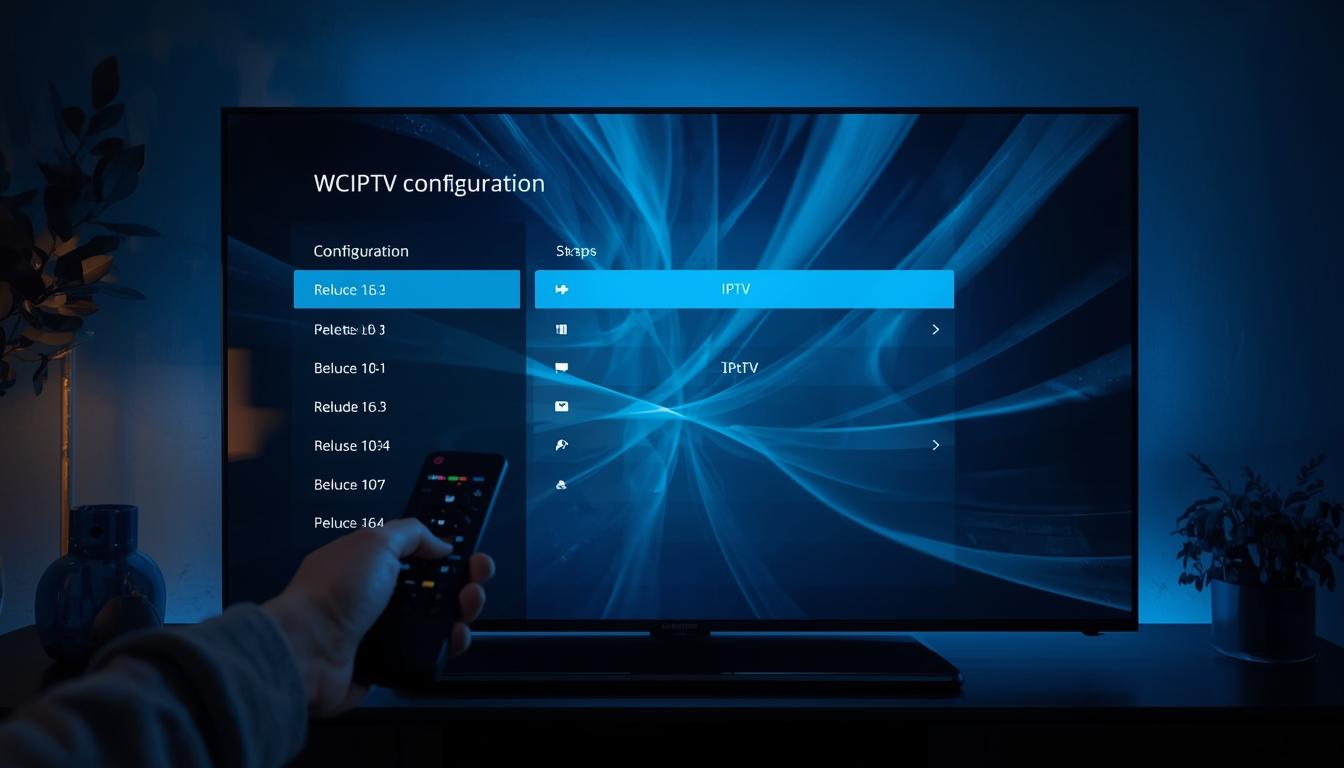
Setting up IPTV services typically follows a straightforward process, though specific steps may vary depending on your chosen device and provider. The following general guidelines will help newcomers navigate the initial setup:
1. Select an IPTV Service Provider – Research provider reliability and customer reviews – Verify content offerings match your viewing preferences – Consider testing through a trial period if available
2. Subscribe and Obtain Access Credentials – Complete the subscription process – Receive login details (typically username/password or activation code) – Save this information securely for future reference
3. Choose and Prepare Your Viewing Device – Ensure your device meets minimum requirements – Connect device to your internet network – Verify internet connection meets speed recommendations
4. Install Required Applications – Download the recommended IPTV application for your device – Some common options include IPTV Smarters, Perfect Player, GSE Smart IPTV, or TiviMate – Follow installation prompts to complete setup
5. Configure Your IPTV Application – Open the installed application – Navigate to settings or account section – Enter your provider-supplied credentials – Allow initial content loading (may take several minutes)
6. Customize Your Viewing Experience – Organize channels into favorites if desired – Adjust video quality settings based on your internet capabilities – Explore EPG (Electronic Program Guide) features if available – Set parental controls if needed
7. Test Various Channels and Features – Verify that content loads properly – Check different content types (live TV, movies, series) – Test recording functionality if included – Ensure smooth playback on your network
Following these steps creates a foundation for enjoying IPTV services with minimal technical difficulties.
Devices & Compatibility
The versatility of IPTV services extends to an impressive range of compatible devices, allowing users to access content across virtually all modern entertainment platforms. Understanding which devices deliver optimal performance helps users make informed decisions about their viewing setup.
Streaming Devices
Dedicated streaming devices often provide the best overall experience for IPTV services: – Amazon Fire TV Stick: Excellent affordable option with simple interface – Nvidia Shield TV: Premium performance with advanced features – Roku: User-friendly interface with straightforward navigation – Apple TV: High-quality performance within the Apple ecosystem – Chromecast: Budget-friendly option for casting from other devicesSmart TVs
Modern smart TVs frequently include native support for IPTV applications: – Android TV: Built-in compatibility with most IPTV apps – Samsung Tizen OS: May require specific compatible applications – LG webOS: Supports select IPTV applications – Vizio SmartCast: May need external device for optimal experienceMobile Devices
On-the-go viewing remains popular for commuters and travelers: – Android phones and tablets: Excellent compatibility with most IPTV apps – iPhones and iPads: Support through approved App Store applications – Windows tablets: Compatible with desktop applicationsComputers
Traditional computing devices offer flexible viewing options: – Windows PCs: Wide range of compatible applications and web players – Mac computers: Growing selection of macOS-compatible IPTV applications – Linux systems: Limited but functional application optionsFor optimal performance, devices with stronger processors and more RAM typically provide smoother playback, particularly when streaming high-definition content.
Tips for IPTV Service Optimization
Maximizing your IPTV experience involves more than just the initial setup. These optimization strategies help ensure consistent performance and enhanced viewing satisfaction:
Performance Enhancement
– Buffer Size Adjustment: Increase buffer settings for slower connections to reduce interruptions – Video Quality Management: Match quality settings to your connection capabilities (lower resolution for unstable connections) – Background Application Control: Close unnecessary applications to free system resources – Regular Restarts: Periodically restart your device and IPTV application to clear cache – Update Management: Keep your IPTV app and device firmware currentContent Organization
– Favorites Lists: Create custom channel groups for frequent viewing – Content Filtering: Hide unwanted channels to streamline navigation – EPG Utilization: Fully leverage the electronic program guide for scheduling – Multi-device Sync: Use the same provider across devices for consistent experienceSecurity Considerations
– VPN Evaluation: Consider whether a VPN service might benefit your viewing experience – Password Management: Use unique, strong passwords for your IPTV account – Network Security: Ensure your home network maintains current security protocols – Authorized Devices: Regularly review connected devices for unauthorized accessSubscription Management
– Usage Monitoring: Track your viewing habits to select appropriate service tiers – Renewal Tracking: Mark calendar reminders for subscription renewals – Payment Security: Use secure payment methods for subscriptionsImplementing these optimization techniques typically results in noticeably improved performance and enhanced user satisfaction with IPTV services.
Troubleshooting Common IPTV Issues
Even the best IPTV services occasionally encounter technical challenges. Knowing how to address these common issues allows viewers to quickly resolve problems and return to their entertainment.
Buffering and Loading Problems
Issue: Content frequently pauses to buffer or never fully loads. Solutions: – Verify your internet connection meets minimum speed requirements – Close other bandwidth-intensive applications – Try wired connection instead of Wi-Fi – Adjust video quality to a lower setting – Restart your router and streaming deviceAuthentication Failures
Issue: Unable to log in or receiving authentication errors. Solutions: – Confirm username and password accuracy – Verify subscription is active and payment current – Check for service outages on provider status page – Try logging out and back in – Contact provider support if problems persistMissing Channels or Content
Issue: Certain channels or content libraries appear empty. Solutions: – Refresh channel lists in application settings – Clear application cache and data – Update to the latest version of your IPTV application – Verify content is included in your subscription package – Check for regional restrictions that might applyPlayback Quality Issues
Issue: Poor picture quality, audio sync problems, or stuttering. Solutions: – Test different servers if your provider offers multiple options – Verify device meets minimum hardware requirements – Try alternative IPTV applications to compare performance – Adjust video output settings in the application – Check for device overheating during extended viewingConnection Instability
Issue: Service repeatedly disconnects during viewing. Solutions: – Check for Wi-Fi interference from other devices – Test alternative DNS server settings – Verify router firmware is current – Try a different viewing device to isolate the problem – Consider network equipment upgrades if problems persistMost IPTV service issues can be resolved through these troubleshooting approaches, but persistent problems may require provider support intervention.
Conclusion
IPTV services represent a significant evolution in how we consume television and video content, offering flexibility and customization that traditional broadcast methods simply cannot match. As internet infrastructure continues to improve globally, the advantages of IP-based content delivery become increasingly apparent in terms of both convenience and value.
When considering a transition to IPTV, evaluating your specific viewing habits, technical requirements, and content preferences helps ensure you select a service that aligns with your needs. Taking time to properly configure your viewing environment—from internet connection to device selection—creates a foundation for reliable performance.
The landscape of entertainment continues to evolve rapidly, with IPTV services playing a central role in this transformation. By understanding the technology, implementing best practices, and troubleshooting common issues, viewers can enjoy a rich, customized entertainment experience that traditional television cannot provide.
Whether you’re seeking international content, specialized programming, or simply more control over your viewing options, IPTV services offer solutions worth exploring as alternatives to conventional television delivery systems.



