 Skip to content
Streamlining Professional Video Broadcasting: Professional IPTV Encoding Solutions
Broadcasting high-quality video content across networks has become increasingly complex for media professionals and content creators. The technical challenges of maintaining 4K quality while managing bandwidth constraints can seem overwhelming. Many organizations struggle with expensive, complicated broadcasting setups that deliver inconsistent results. The vecaster-4K HEVC HDMI IPTV encoder provides a professional-grade solution to these common broadcasting problems, offering an efficient way to encode and stream high-definition content without sacrificing quality. Before investing in any broadcasting equipment, it’s always wise to understand how an IPTV system works within your specific environment. Try a free IPTV trial to experience how these solutions integrate with your existing setup.
What Is a Vecaster-4K HEVC HDMI IPTV Encoder?
The vecaster-4K HEVC HDMI IPTV encoder represents specialized hardware designed for professional video broadcasting over IP networks. This device captures video input through HDMI connections and converts it to network-friendly streams using HEVC (High-Efficiency Video Coding) compression technology, also known as H.265.
This encoding technology is particularly significant because it delivers approximately 50% better compression efficiency than its predecessor (H.264/AVC), allowing broadcasters to maintain excellent 4K video quality while significantly reducing bandwidth requirements. The encoder transforms raw video signals into digital packets that can be distributed across local networks or the internet to reach viewers on various devices.
The technology builds upon established IPTV (Internet Protocol Television) frameworks, which deliver television content through internet protocols rather than traditional satellite or cable formats. Authority streaming reference explains that IPTV differs from standard internet video by providing ongoing program transmission with comparable quality and experience to traditional distribution methods.
Why Users Search for This Technology
Organizations and professionals seek vecaster-4K HEVC HDMI IPTV encoder solutions for several compelling reasons:
1. Cost-Effective Broadcasting: Traditional broadcasting equipment often requires significant infrastructure investment. IPTV encoders provide a more affordable entry point for quality broadcasting.
2. Bandwidth Optimization: The HEVC/H.265 compression used in these encoders reduces bandwidth requirements by up to 50% compared to older standards while maintaining visual quality.
3. Professional Live Streaming: Content creators need reliable hardware for live events, corporate communications, and educational programming.
4. Remote Viewer Access: Organizations increasingly need to reach audiences across diverse geographic locations and device types.
5. Integration with Existing Systems: IT departments seek solutions that work with current network infrastructure without major overhauls.
The demand for high-quality video transmission continues to grow as Trusted industry source indicates, with streaming becoming the preferred method of content delivery across numerous sectors including education, corporate communications, healthcare, and entertainment.
Key Information: How the Vecaster-4K HEVC HDMI IPTV Encoder Works
The vecaster-4K HEVC HDMI IPTV encoder serves as the critical bridge between video sources and viewers’ devices. Understanding its core functionality helps organizations implement the technology effectively.
At a fundamental level, the encoding process follows these stages:
1. Video Capture: The encoder accepts HDMI input from cameras, computers, or other video sources. 2. Encoding/Compression: Raw video data is compressed using HEVC/H.265 algorithms. 3. Packetization: Compressed video is converted into network packets. 4. Transmission: Packets are sent over IP networks using protocols like UDP, RTP, or RTMP. 5. Distribution: Content reaches end users through content delivery networks or local servers.
Here’s a comparison of the vecaster-4K HEVC HDMI IPTV encoder against other encoding solutions:
| Feature | Vecaster-4K HEVC Encoder | Standard H.264 Encoders | Software-Based Encoders | |———|————————–|————————-|————————-| | Resolution Support | Up to 4K (3840×2160) | Typically 1080p max | Varies by system resources | | Bandwidth Efficiency | High (HEVC/H.265) | Moderate (H.264/AVC) | Varies by algorithm | | Latency | Low (hardware-based) | Moderate | Higher (CPU-dependent) | | Hardware Requirements | Dedicated appliance | Dedicated or PC-based | Requires powerful computer | | Reliability | High (purpose-built) | Variable | Dependent on host system | | Multiple Stream Support | Yes (typical 1-4 inputs) | Often limited | CPU/GPU dependent | | Cost | Higher initial investment | Moderate | Lower hardware cost, higher operating cost |
The vecaster-4K HEVC HDMI IPTV encoder excels in professional environments where reliable, high-quality streaming is essential, particularly when bandwidth optimization remains a priority.
Setup & Preparation

Implementing a vecaster-4K HEVC HDMI IPTV encoder requires thoughtful preparation to ensure optimal performance. The process typically takes 1-3 hours for initial setup, depending on network complexity and integration requirements.
Before installation, gather these essentials:
– Network information (IP addresses, subnet mask, gateway) – Network switch with sufficient bandwidth (Gigabit recommended) – HDMI sources (cameras, computers, media players) – Display device for configuration – Ethernet cables (Cat6 recommended for 4K streaming) – Power conditioning/UPS for equipment protection
Network Requirements: – Minimum 15-20 Mbps bandwidth per 4K stream (with HEVC compression) – Quality of Service (QoS) settings to prioritize video traffic – Properly configured network firewall if streaming externally – Consider dedicated VLAN for video traffic in complex networks
The quality of your network infrastructure significantly impacts streaming performance. Organizations should conduct a network assessment before deployment to identify potential bottlenecks or configuration issues that might affect video quality.
WCIPTV Context
For those seeking comprehensive IPTV solutions, the vecaster-4K HEVC HDMI IPTV encoder represents just one component within a broader ecosystem. WCIPTV offers flexible IPTV services that complement encoding hardware, providing end-to-end solutions for content delivery and management.
What distinguishes professional IPTV services is their stability and reliability—critical factors for business, educational, and entertainment applications. When evaluating options, consider how the encoder integrates with existing systems and future expansion plans.
WCIPTV solutions work across multiple device types, including smart TVs, mobile devices, computers, and dedicated IPTV boxes. This compatibility ensures your content reaches audiences regardless of their preferred viewing method. Understanding these integration possibilities helps organizations maximize their broadcasting investment.
Before committing to any hardware purchase, exploring service options through a trial period provides valuable insights into performance within your specific environment. Visit WCIPTV for more information about comprehensive IPTV service options that work alongside encoding hardware.
Step-by-Step Instructions
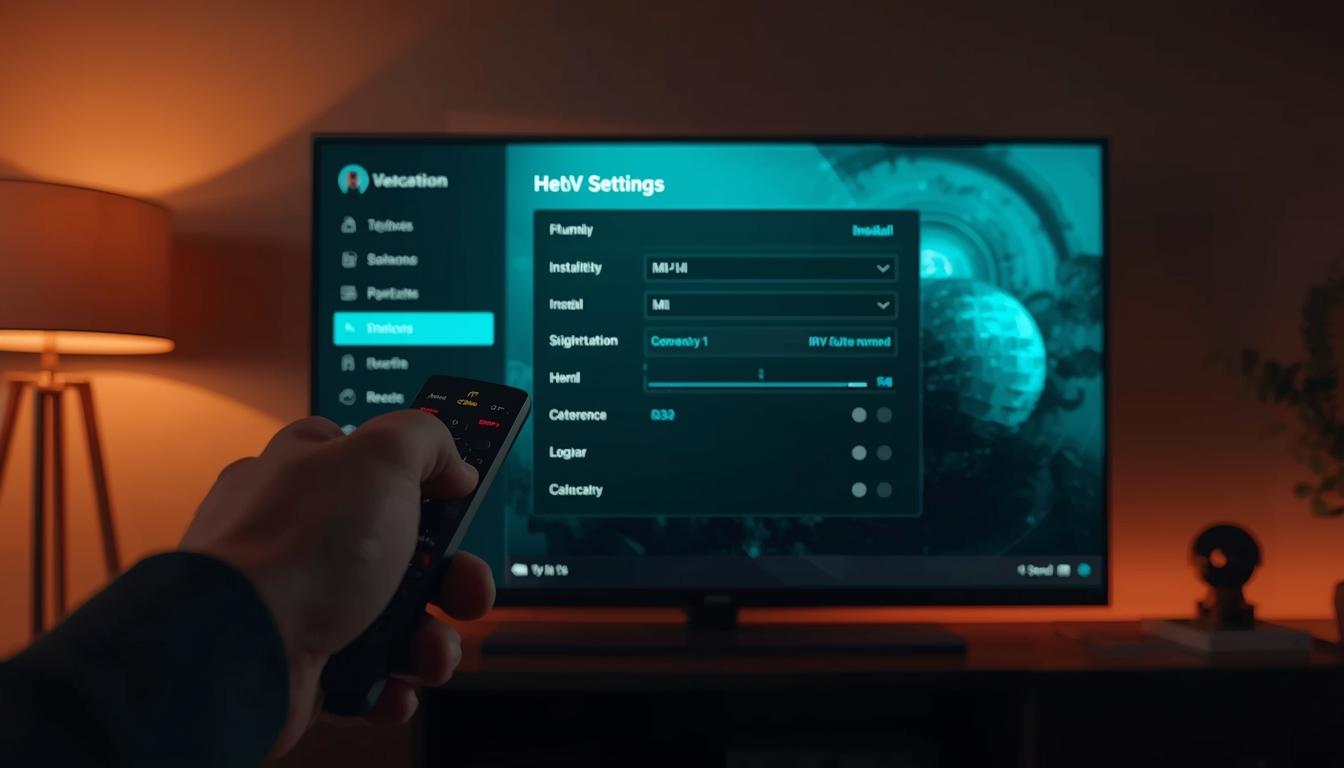
Implementing a vecaster-4K HEVC HDMI IPTV encoder requires methodical configuration. Follow these steps for successful deployment:
1. Physical Installation – Mount the encoder in a rack or place on a stable surface – Ensure proper ventilation around the unit (typically 1-2 inches clearance) – Connect power using supplied adapter or power cable – Allow the device to reach operating temperature (5-10 minutes)
2. Input Connection – Connect HDMI source(s) using high-quality HDMI cables (4K-certified recommended) – Secure cables with strain relief when possible – Power on video sources and confirm signal before proceeding
3. Network Connection – Connect the encoder to your network switch using Cat6 or better Ethernet cable – If available, use the management port for configuration and streaming ports for content
4. Initial Configuration – Connect a display to the encoder’s output port (if available) – Access the web-based management interface via default IP address – Change default login credentials immediately – Configure network settings (static IP recommended)
5. Encoding Parameters – Set resolution (up to 4K/2160p) – Configure frame rate (typically 30fps or 60fps for 4K) – Set bitrate (15-25 Mbps recommended for 4K HEVC) – Choose encoding profile (Main or Main10 for HDR) – Select GOP structure (60-120 frames typical)
6. Stream Configuration – Configure output protocol (RTMP, HLS, UDP, or RTP) – Set stream URLs or multicast addresses – Enable stream security if broadcasting over public networks – Implement error correction settings
7. Testing and Validation – Verify stream using diagnostic tools or media player – Check multiple client devices for compatibility – Monitor CPU and memory utilization – Test network resilience with longer duration streams
8. Integration with Distribution Platforms – Configure CDN settings if using external distribution – Set up authentication if required – Test end-to-end workflow before live deployment
For complex installations, consider creating a network diagram documenting IP addresses, ports, and connection paths. This documentation proves invaluable for troubleshooting and future modifications.
Devices & Compatibility
The vecaster-4K HEVC HDMI IPTV encoder works with a wide range of input sources and delivers content to various viewing platforms. Understanding these compatibility points helps ensure successful implementation.
Compatible Input Sources: – Professional cameras with HDMI output – Computers and laptops via HDMI – Gaming consoles and media players – Document cameras and visualizers – Medical imaging equipment – Industrial monitoring systems
Output Streaming Compatibility: – Content Delivery Networks (CDNs) – Local media servers – IPTV headend systems – Content Management Systems (CMS) – Video conferencing platforms (with appropriate interfaces) – Social media streaming platforms (via RTMP)
End-User Device Compatibility: – Smart TVs with H.265/HEVC support – IPTV set-top boxes – Computers with compatible media players – Mobile devices with H.265 decoding capability – Custom display solutions
For optimal performance, verify that receiving devices support HEVC/H.265 decoding. While this format offers superior compression, older devices may lack hardware decoding support, which can affect playback quality and performance.
Tips for Optimization
Maximizing the performance of your vecaster-4K HEVC HDMI IPTV encoder requires attention to both hardware configuration and ongoing maintenance:
Quality Optimization: – Match encoding settings to content type (higher bitrates for fast motion) – Use constant rate factor (CRF) encoding when quality is priority over bandwidth – Implement proper lighting at video source to improve compression efficiency – Consider 8-bit vs. 10-bit color depth based on content requirements – Adjust sharpness and noise reduction settings for optimal compression
Bandwidth Optimization: – Use scene detection for dynamic bitrate adjustment – Implement adaptive bitrate streaming for varied network conditions – Consider 1080p instead of 4K for content with limited detail requirements – Monitor network traffic patterns and adjust streaming schedules accordingly – Implement multicast for multiple viewers on local networks
System Reliability: – Schedule regular firmware updates during maintenance windows – Monitor system temperature and ensure proper cooling – Implement redundant power supplies where available – Create backup configuration files after successful setup – Document all settings changes in a maintenance log
Advanced Settings: – Experiment with keyframe intervals based on content type – Consider B-frame settings for optimal compression (typically 2-3 B-frames) – Adjust audio bitrate based on content requirements (128-256 Kbps for most applications) – Configure error resilience settings for challenging network environments – Implement quality monitoring using PSNR or VMAF metrics
For mission-critical broadcasts, consider redundant encoder setups with automatic failover capabilities to prevent interruptions.
Troubleshooting Common Issues
Even with careful setup, issues may arise with your vecaster-4K HEVC HDMI IPTV encoder. Here are solutions to common problems:
No Output Signal: – Verify power connections and indicator lights – Check HDMI input connections and try alternate cables – Confirm source device is outputting compatible signal – Verify network connection is active – Check encoder settings for enabled outputs – Restart the encoder after confirming connections
Poor Video Quality: – Increase bitrate settings (start with 25% increase) – Verify input resolution matches expected settings – Check for interference on HDMI cables (use shielded cables) – Examine network for packet loss or jitter – Verify stream is not being transcoded downstream – Check for firmware updates addressing quality issues
Network Connectivity Issues: – Verify IP configuration matches network requirements – Test alternate network ports on the encoder – Use network monitoring tools to identify bottlenecks – Implement QoS settings on network switches – Check for IP address conflicts – Verify multicast is properly configured if utilized
Encoder Overheating: – Ensure adequate ventilation around the unit – Check ambient temperature in equipment room – Clean dust from ventilation ports (with power disconnected) – Consider additional cooling for rack installations – Monitor temperature through management interface
Stream Interruptions: – Implement forward error correction (FEC) – Check for network congestion during problem periods – Consider redundant network paths – Implement jitter buffers on receiving devices – Log and analyze error patterns to identify root causes
Audio Sync Issues: – Adjust audio delay settings in encoder – Verify source is providing synchronized audio/video – Check for processing delays in distribution chain – Test alternate audio sources to isolate the problem – Consider separate audio encoding parameters
For persistent issues, creating a detailed log including specific error messages, time of occurrence, and configuration settings will help technical support provide targeted assistance.
Conclusion
The vecaster-4K HEVC HDMI IPTV encoder represents a significant advancement in professional video broadcasting technology, bridging the gap between high-quality content creation and efficient network distribution. By leveraging the superior compression capabilities of HEVC/H.265 encoding, organizations can deliver stunning 4K video experiences without overwhelming network infrastructure.
Successful implementation requires careful planning, proper network configuration, and ongoing optimization. The investment in professional encoding hardware pays dividends through improved viewer experiences, reduced bandwidth costs, and expanded reach across multiple device types. As content creation standards continue to evolve, the flexibility of dedicated encoding solutions provides a foundation for future growth.
Whether deploying in educational environments, corporate communications, entertainment venues, or healthcare facilities, the vecaster-4K HEVC HDMI IPTV encoder delivers the reliability and performance needed for professional broadcasting applications. By following the guidelines and best practices outlined in this guide, organizations can maximize their investment and create compelling viewing experiences for their audiences.
FAQ
What bitrate should I use for 4K streaming with the vecaster-4K HEVC HDMI IPTV encoder?
For 4K content using HEVC compression, a bitrate between 15-25 Mbps typically provides excellent quality. Fast-motion content (sports, action) benefits from higher bitrates (20-25 Mbps), while static content (presentations, surveillance) can use lower bitrates (15-20 Mbps) without noticeable quality loss.
Can the vecaster-4K HEVC HDMI IPTV encoder work with protected content sources?
Most professional encoders, including the vecaster models, cannot process HDCP-protected content without proper authorization. For commercial content distribution, ensure you have proper licensing rights and that your encoder supports any required content protection systems.
How does the vecaster-4K HEVC HDMI IPTV encoder handle audio?
The encoder typically processes embedded audio from HDMI sources, supporting formats like AAC at various bitrates (typically 128-256 Kbps). Advanced models may offer separate audio inputs for professional applications. Audio settings can be configured independently from video to optimize for specific content types.
What’s the typical latency when using a hardware HEVC encoder like the vecaster-4K?
Hardware-based HEVC encoders typically introduce 200-500ms of encoding latency, significantly less than software solutions. Total end-to-end latency depends on network conditions, distribution method, and playback devices. For interactive applications requiring minimal delay, configure the encoder for low-latency modes, which may sacrifice some compression efficiency.
Can I stream to multiple destinations simultaneously with a vecaster-4K HEVC HDMI IPTV encoder?
Most professional encoders support multiple simultaneous output streams, allowing distribution to various platforms concurrently. The specific capabilities depend on the exact model, but common configurations include streaming to a local server while simultaneously publishing to a CDN or streaming platform. Check the maximum number of concurrent streams in the device specifications.



