 Skip to content
Choosing the Right 4K IPTV Encoder for Professional Streaming Services
For streaming service providers, delivering crisp, high-definition content has become increasingly challenging as viewers demand 4K quality. Many operators struggle with pixelation, buffering, and quality loss when attempting to implement 4K streaming without the proper encoding equipment. A professional 4K IPTV encoder is essential for converting ultra-high-definition source material into streamable content while maintaining visual fidelity and managing bandwidth efficiently.
Before investing in expensive encoding hardware, it’s worth understanding the different options available and which might best suit your particular streaming needs. Try a free IPTV trial to see how quality content delivery should perform when properly encoded and streamed.
Understanding 4K IPTV Encoders
A 4K IPTV encoder is specialized hardware or software designed to compress ultra-high-definition video (3840×2160 pixels) into streamable formats while preserving as much visual quality as possible. The encoding process converts raw video data into compressed bitstreams using codecs like H.264/AVC, H.265/HEVC, or newer options like AV1.
The primary challenge with 4K encoding is balancing visual quality with bandwidth efficiency. Without proper encoding, 4K content can consume 25-50 Mbps of bandwidth, making it impractical for most streaming applications. Professional encoders employ advanced algorithms to reduce this to manageable levels (typically 8-15 Mbps) while maintaining perceptual quality.
Streaming platforms like Fire TV rely on properly encoded content to deliver their services. Authority streaming reference content needs to be optimized for various network conditions, which is precisely what a quality encoder accomplishes.
Why Users Search for 4K IPTV Encoders
Streaming service providers face several critical challenges that drive them to seek professional 4K encoding solutions:
1. Quality degradation: Without proper encoding, 4K content loses its visual impact 2. Bandwidth constraints: Raw 4K video is too data-heavy for most distribution networks 3. Compatibility issues: Content must be properly formatted for various devices and players 4. Cost efficiency: Balancing equipment costs with quality requirements 5. Operational complexity: Managing encoding workflows without specialized expertise
These pain points affect both large-scale providers and smaller operators seeking to deliver premium content. According to Trusted industry source, proper encoding is one of the most critical factors in successful IPTV delivery, particularly for high-resolution content.
How Professional 4K IPTV Encoders Work
Professional 4K IPTV encoders use specialized hardware acceleration and sophisticated algorithms to efficiently process ultra-high-definition video. These systems typically include:
– Dedicated encoding chipsets optimized for video processing – Multiple input options (HDMI, SDI, IP-based sources) – Hardware acceleration for specific codecs (H.264, H.265, AV1) – Robust streaming protocol support (HLS, RTMP, SRT, UDP) – Quality control features like bitrate management and adaptive encoding
Comparison of 4K IPTV Encoder Types
| Encoder Type | Typical Cost | Bandwidth Efficiency | Quality | Ideal Use Case | |————–|————–|———————-|———|—————-| | Software-based | $500-2,000 | Good | Good | Small operations, testing | | Hardware appliance | $3,000-10,000 | Excellent | Excellent | Professional broadcasting | | FPGA-based | $5,000-20,000 | Superior | Superior | Enterprise streaming | | Cloud-based | $200-1,000/mo | Very good | Very good | Scalable operations | | Hybrid solutions | $2,000-8,000 | Excellent | Excellent | Mid-size providers |
Setup & Preparation
Before implementing a 4K IPTV encoder in your workflow, several preparations are essential:
1. Assess your source material: Ensure your content is truly 4K quality (3840×2160 resolution) 2. Evaluate network capacity: Can your infrastructure handle the encoded bitrates? 3. Define quality targets: Determine acceptable quality/bandwidth tradeoffs 4. Check compatibility: Ensure your encoder works with existing systems 5. Plan redundancy: Consider failover options to prevent streaming interruptions 6. Calculate storage needs: Encoded files require significant storage, even when compressed
Taking time to prepare properly will prevent costly mistakes and ensure your encoding solution meets both technical and business requirements.
WCIPTV Context
In the competitive IPTV landscape, stability and consistent quality are paramount. Professional streaming providers need reliable encoding solutions that maintain quality without interruptions. The right encoder forms the foundation of a high-quality delivery chain that viewers expect.
For those seeking a complete IPTV solution that works seamlessly with various encoding setups, WCIPTV offers services designed to complement your technical infrastructure. Their platform is optimized to handle properly encoded 4K content while providing the reliability viewers demand.
Step-by-Step Implementation of a 4K IPTV Encoder
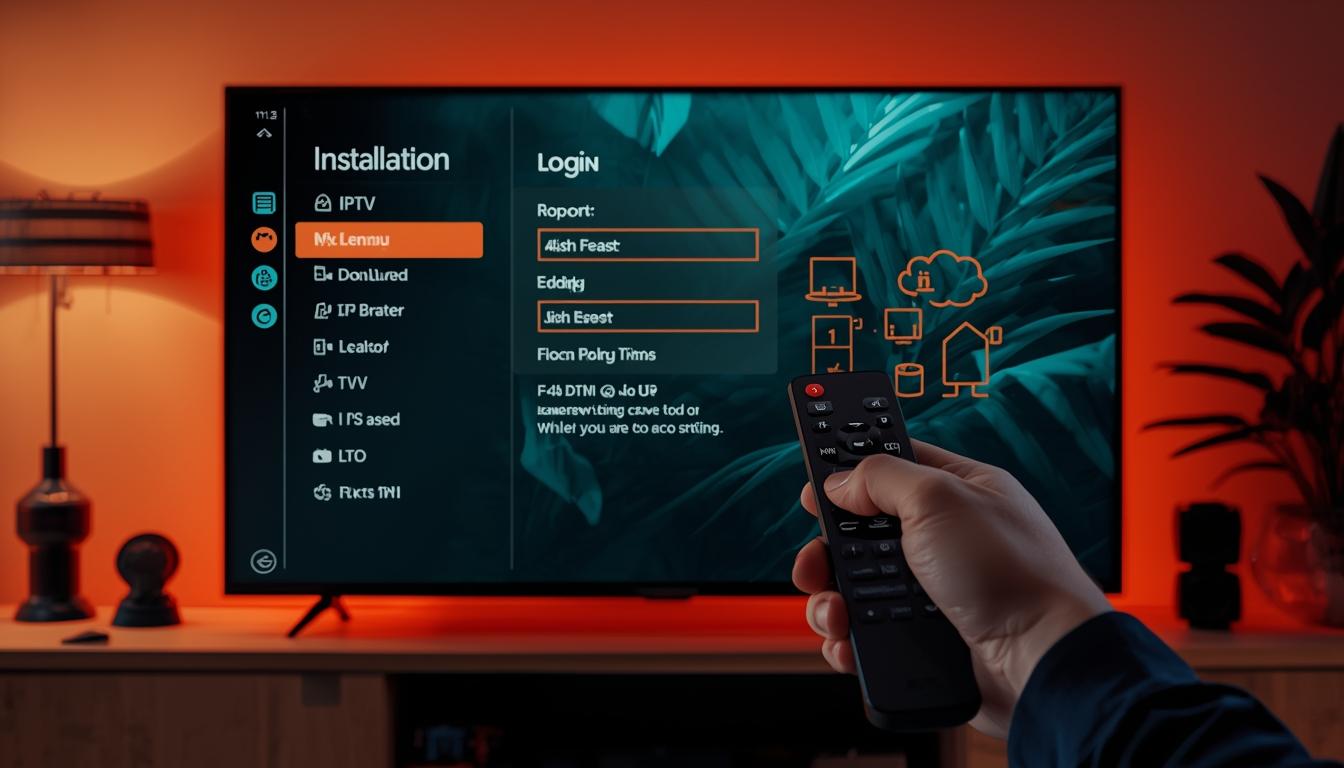
1. Select your encoder based on requirements – Consider budget, quality needs, and technical capabilities
2. Install encoding hardware in your video delivery chain – Position between your video source and distribution system – Ensure proper cooling and power requirements
3. Configure network connectivity – Set appropriate IP addresses, subnets, and routing – Configure firewall settings if necessary
4. Set encoding parameters – Choose appropriate codec (typically H.265/HEVC for 4K) – Configure bitrate (typically 10-15 Mbps for high-quality 4K) – Set frame rate (usually matching source, 24-60 fps) – Configure GOP structure and reference frames
5. Establish output streams – Configure HLS/DASH for adaptive streaming – Set up multiple quality levels if needed – Configure stream URLs and publishing points
6. Test encoding quality – Verify visual quality on reference displays – Test on various devices and network conditions – Measure actual bandwidth consumption
7. Monitor and optimize – Implement continuous monitoring – Adjust parameters based on performance data
Devices & Compatibility
When implementing a 4K IPTV encoder, compatibility with both upstream and downstream equipment is crucial. Most professional encoders support standard inputs like HDMI 2.0, SDI, and IP-based sources. On the output side, ensure your encoder generates streams compatible with your distribution platform.
Common compatibility considerations include:
– Input compatibility: Does the encoder support your source devices? – Protocol support: Does it output the streaming protocols you need (HLS, DASH, RTMP)? – Network integration: Can it operate within your existing network infrastructure? – Management interface: Does it provide APIs or control systems that integrate with your workflows? – Scalability: Can the encoder grow with your needs or operate in clusters?
Optimization Tips
To get the most from your 4K IPTV encoder:
1. Use the right codec: H.265/HEVC typically offers the best quality-to-bitrate ratio for 4K 2. Implement content-aware encoding: Adjust parameters based on the specific content type 3. Configure proper keyframe intervals: Usually 2-4 seconds for streaming content 4. Enable adaptive bitrate features: Allow quality adjustments based on network conditions 5. Optimize audio encoding: Don’t neglect audio quality, which impacts overall experience 6. Consider hardware acceleration: Use GPU or dedicated ASIC features when available 7. Implement proper monitoring: Set up alerts for encoding quality and performance issues
Common Mistakes and Troubleshooting
When working with 4K IPTV encoders, several common issues may arise:
1. Overcompression artifacts – Problem: Blocky images, especially during high-motion scenes – Solution: Increase bitrate or adjust compression parameters
2. CPU/GPU overloading – Problem: Dropped frames or encoding delays – Solution: Reduce encoding complexity or upgrade hardware
3. Network congestion – Problem: Buffer issues at distribution points – Solution: Implement traffic shaping or increase network capacity
4. Input signal problems – Problem: Poor quality source material – Solution: Verify input signal quality and use proper cables
5. Compatibility issues – Problem: Streams not playing on certain devices – Solution: Verify codec and container format compatibility
6. Audio/video sync problems – Problem: Audio and video out of alignment – Solution: Check encoder timing settings and buffer configurations
Conclusion
Selecting and implementing the right 4K IPTV encoder is a critical decision for any streaming service provider. The technology continues to evolve, with newer codecs and more efficient hardware regularly entering the market. By understanding your specific requirements and following best practices for setup and configuration, you can deliver the high-quality 4K experience viewers expect while maintaining operational efficiency.
The investment in a quality encoder pays dividends through viewer satisfaction and reduced operational issues. Whether you choose a hardware appliance, software solution, or hybrid approach, ensuring your 4K IPTV encoder is properly configured and maintained will be key to your streaming success.
FAQ
What bitrate should I use for 4K IPTV encoding? For high-quality 4K streaming, a bitrate between 10-15 Mbps using H.265/HEVC is typically sufficient. For premium content with complex scenes, you might need to increase to 15-20 Mbps. Lower bitrates (8-10 Mbps) can be acceptable for simpler content.
Is hardware or software encoding better for 4K IPTV? Hardware encoders generally offer better performance and reliability for 24/7 operations, while software encoders provide more flexibility and frequently updated features. For professional streaming services, dedicated hardware encoders are typically preferred for their consistency and purpose-built design.
How many simultaneous 4K streams can a typical encoder handle? This varies significantly by encoder specifications. Entry-level hardware might handle 1-2 simultaneous 4K streams, mid-range solutions 4-8 streams, and enterprise-grade encoders can manage dozens of streams. Always check the manufacturer’s specifications for concurrent stream capabilities.
Do I need special network infrastructure for 4K IPTV encoding? While not exotic, your network should support reliable throughput of at least 1 Gbps for professional 4K encoding operations. Ensure low latency connections between encoding and distribution points, and implement quality of service (QoS) mechanisms to prioritize encoding traffic.
How often should I upgrade my 4K IPTV encoder? The encoding technology landscape evolves rapidly. For competitive quality, consider reviewing your encoding technology every 2-3 years. However, many professional hardware encoders remain serviceable for 4-5 years with proper maintenance and firmware updates.



